Musicola

Your music, reimagined.

The free app for your Navidrome server, on iPhone, iPad, Mac and Apple TV, with CarPlay included.
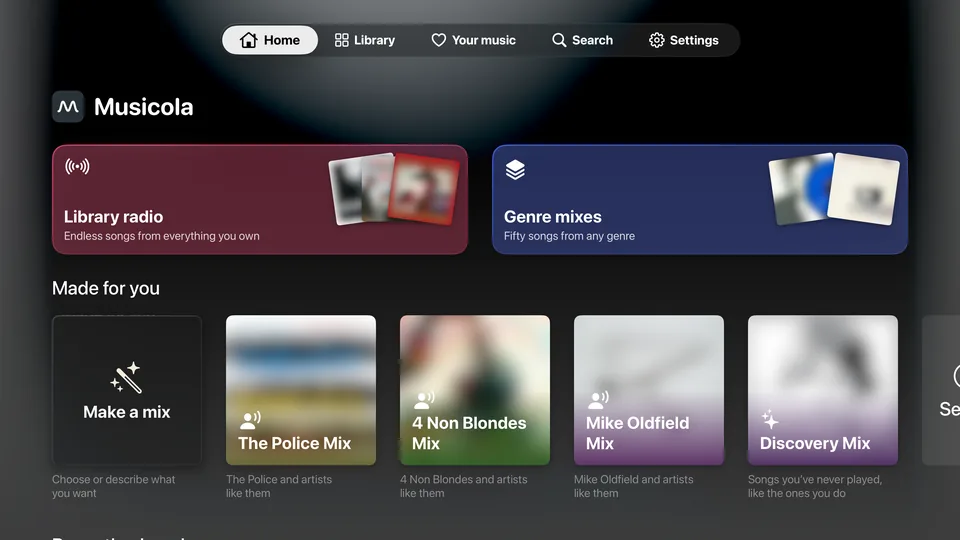
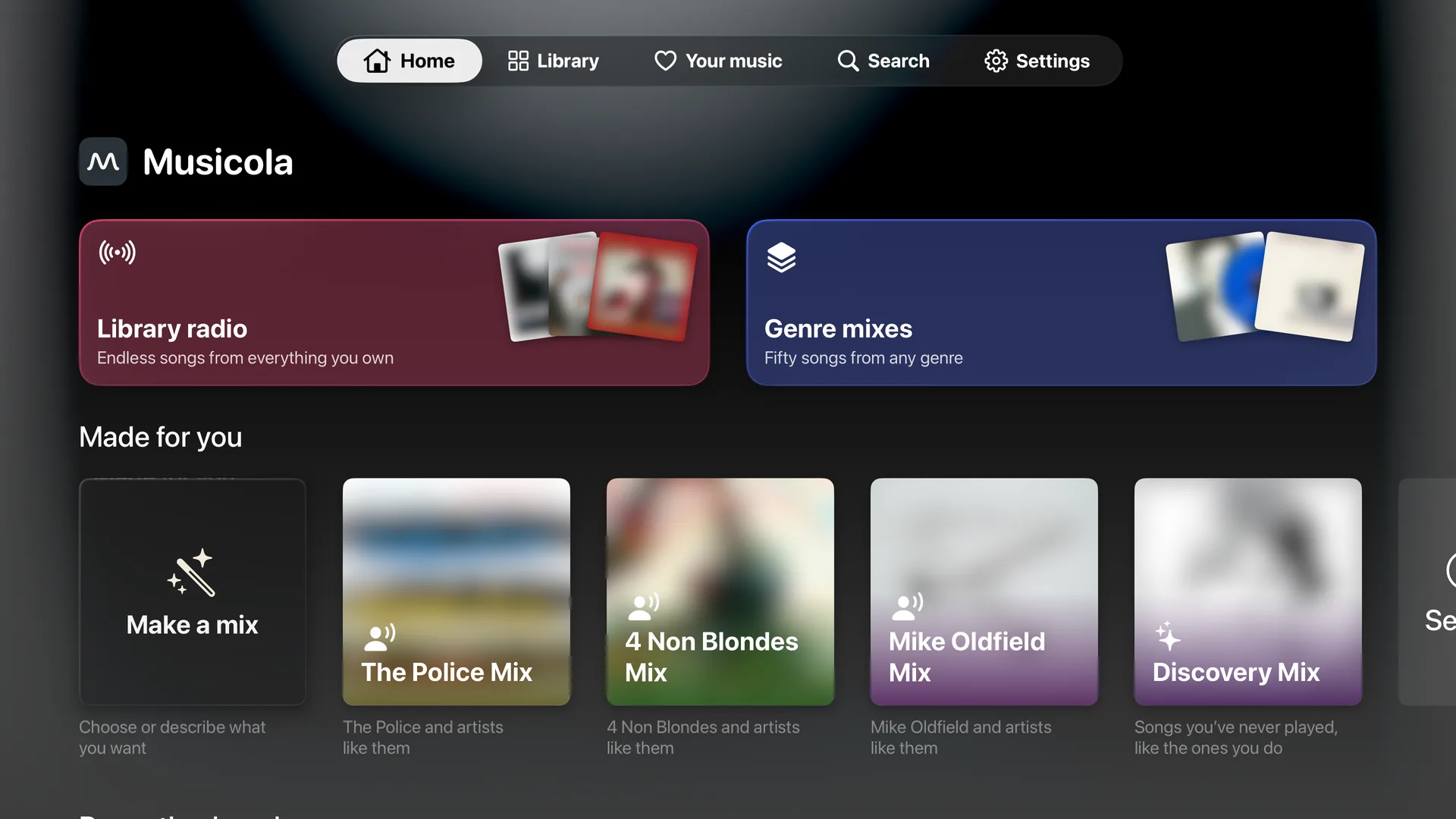
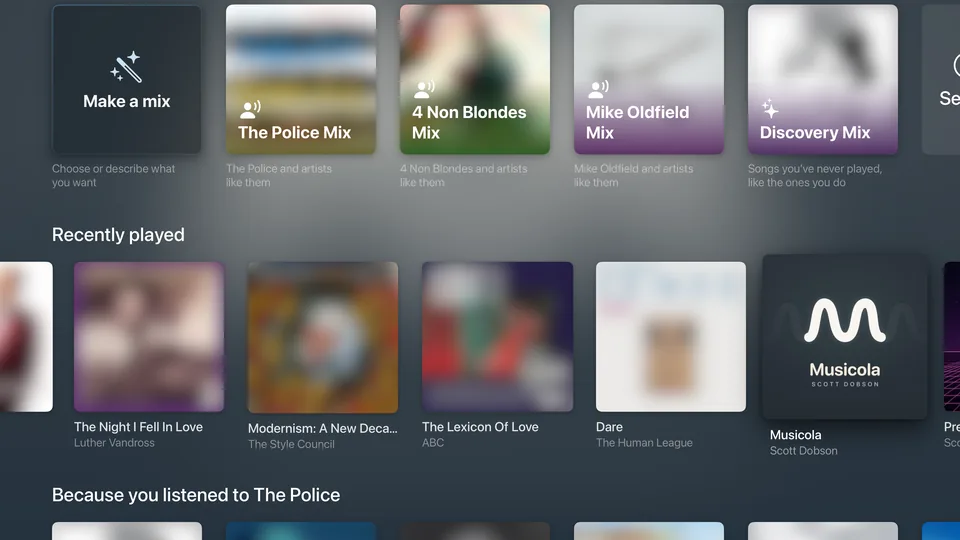
Musicola on Apple TV: Home, with a song to continue, library radio and genre mixes
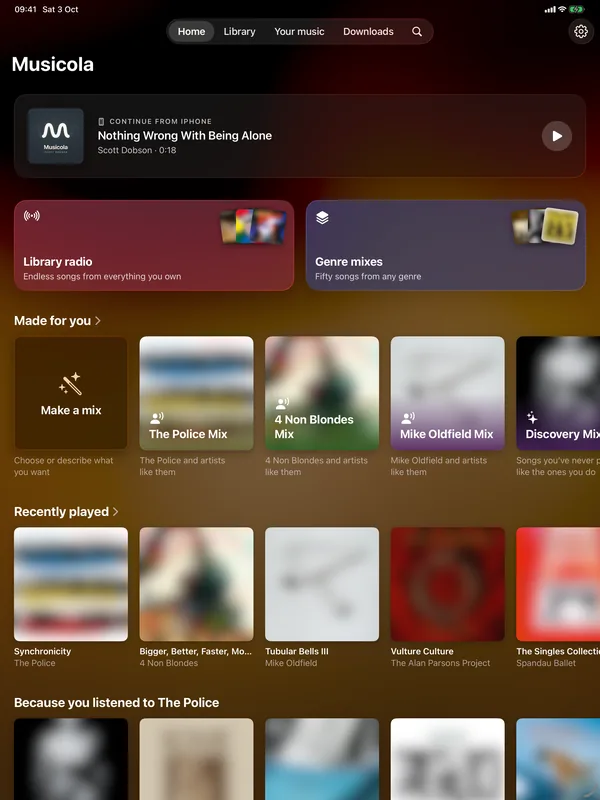
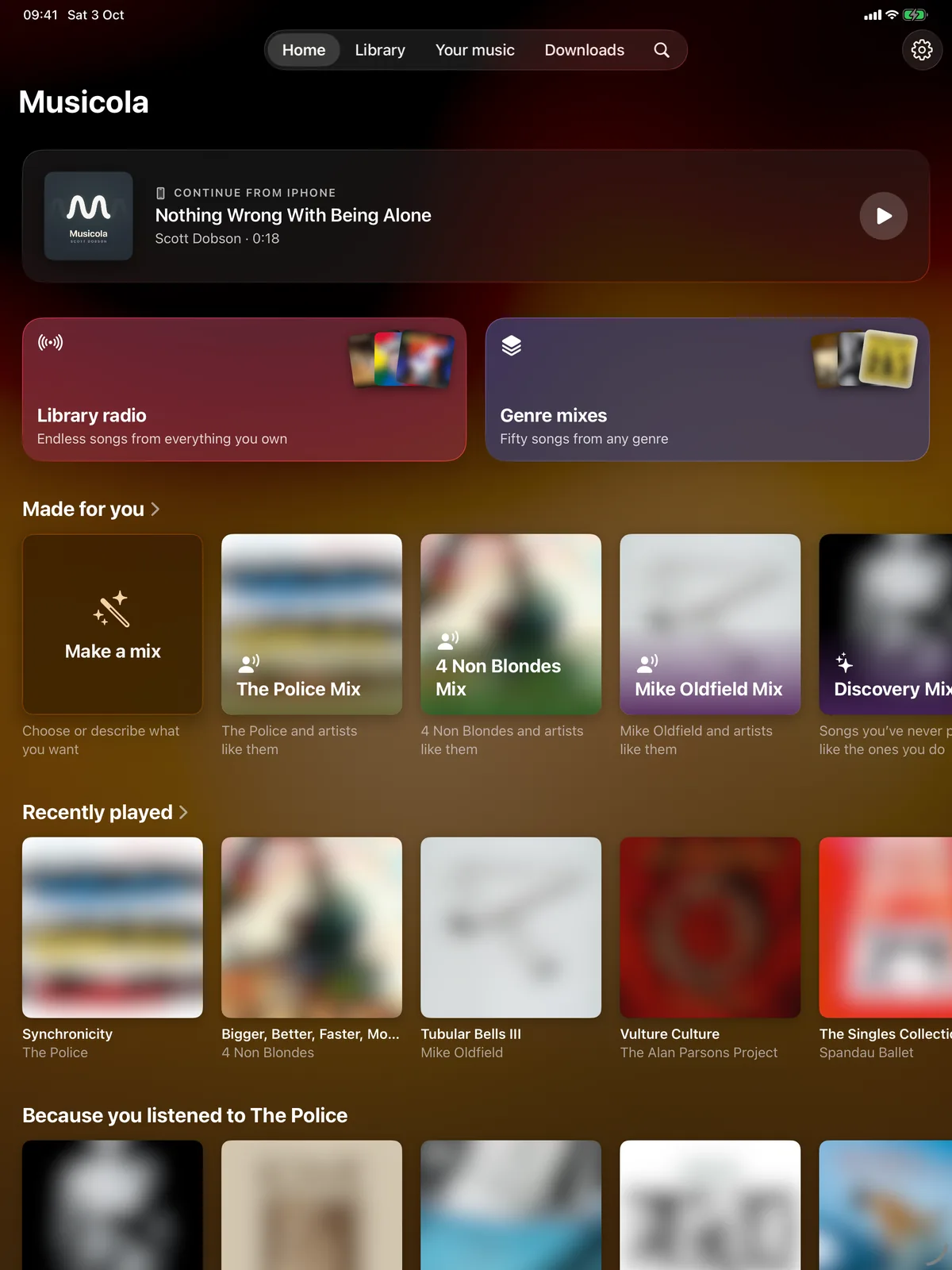
Musicola on iPad: Home, with library radio, genre mixes and recently played albums
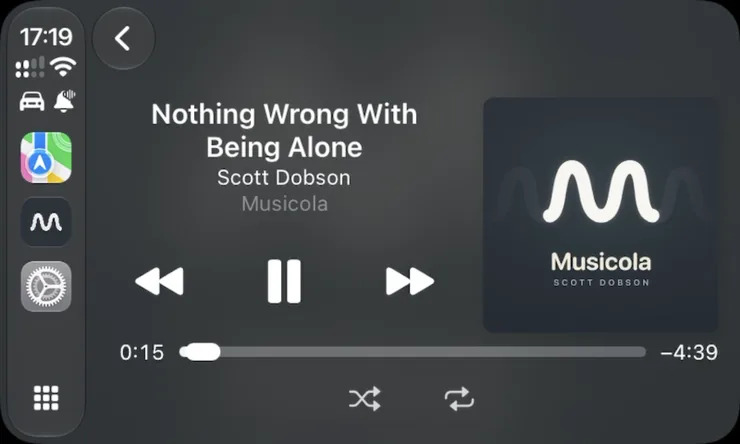
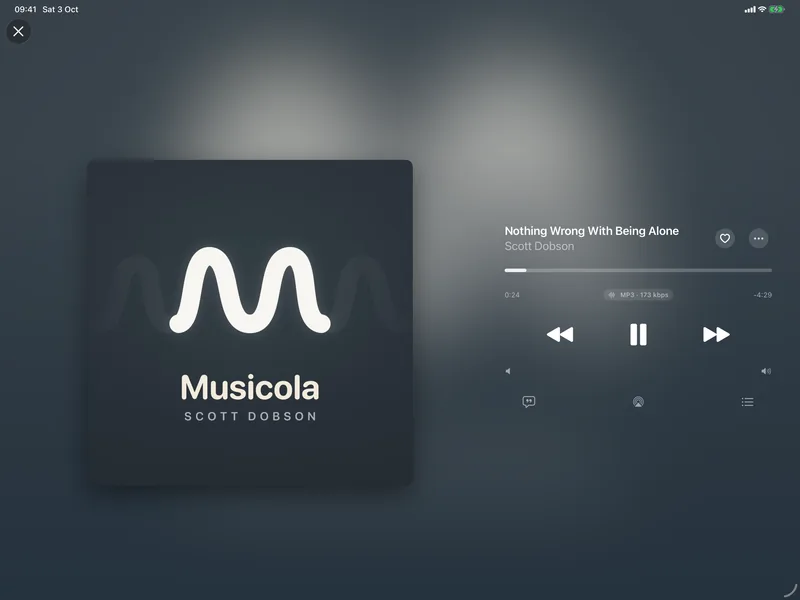
Musicola in CarPlay: Now Playing on the car's screen
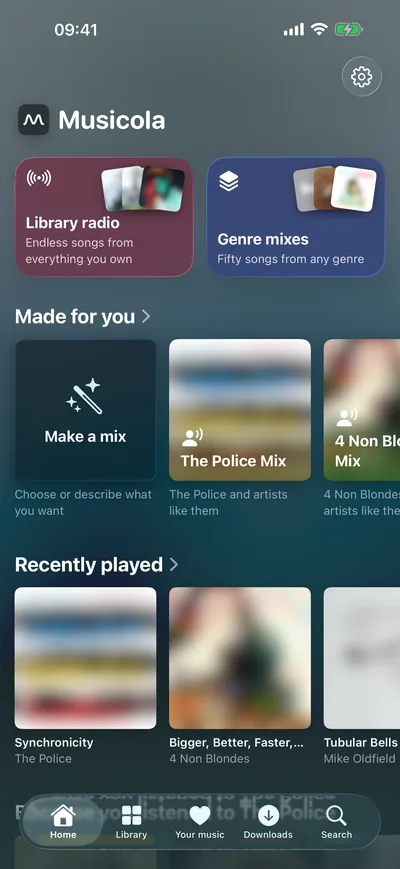
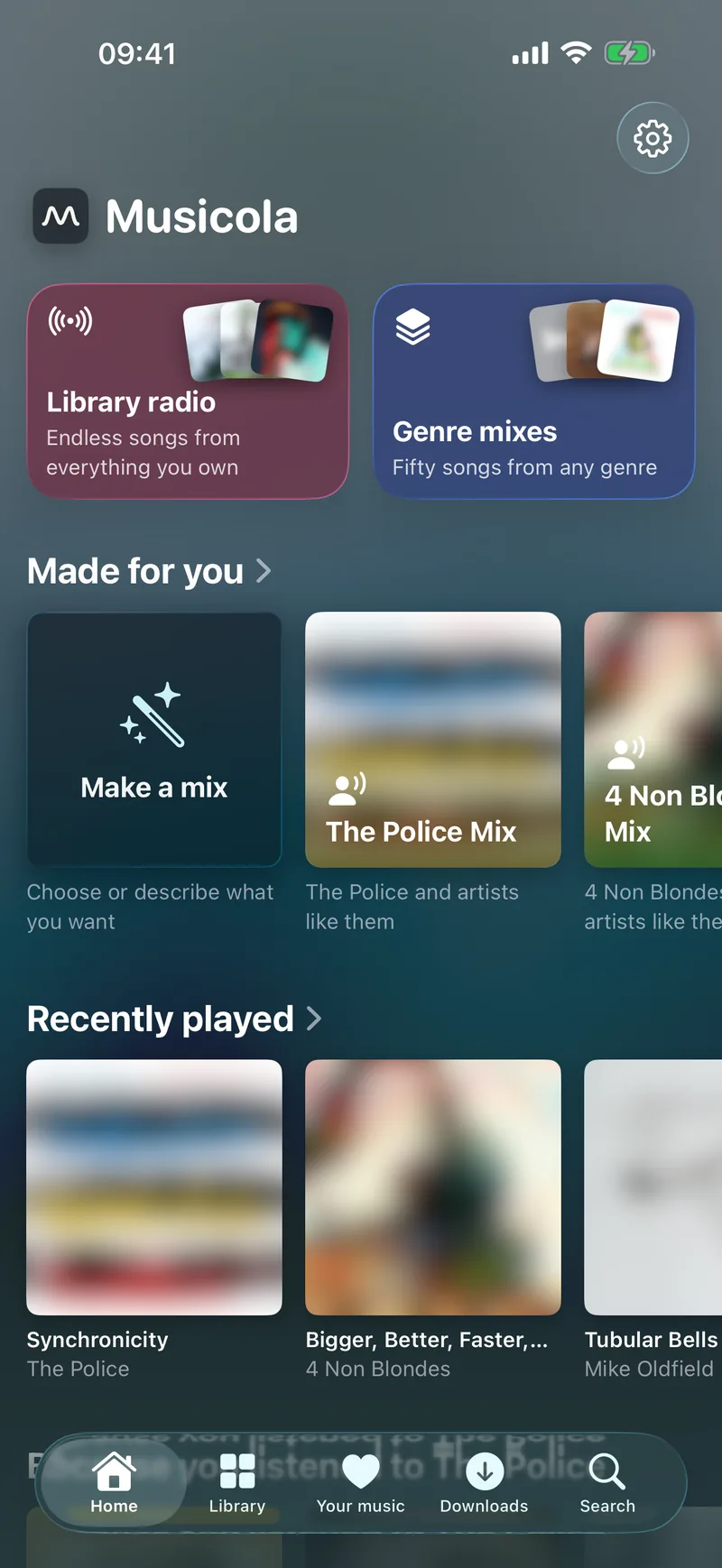
Musicola on iPhone: Home, with library radio, mixes made for you and recently played albums

Musicola DJ

Meet Emma, your radio host.

Start Musicola DJ and your library becomes an endless station. Every few songs Emma talks over the start of the next one, about what you just heard and what’s coming, from your own plays and favourites. Steer her to a genre, tell her your name, and she’ll say goodbye before the sleep timer. Her voice is made on your device, so nothing about your music leaves it.

Musicola Plus Tier 3
Emma, Musicola DJ’s host: an illustrated woman with platinum curls and red lipstick, wearing headphones
EmmaThat was Karma Police by Radiohead. Next, something from your favourites you haven’t heard in a while.

CarPlay

Your music in the car.

Musicola is on your car’s screen: Home, your library and Now Playing, with Siri to start radio, your favourites or a mix hands-free. It’s part of the free app, so there’s nothing to buy.

Free for everyone
Musicola in CarPlay: Now Playing, with Nothing Wrong With Being Alone by Scott Dobson from the Musicola album

Made for listening, not managing

Everything on your server, presented like it deserves.

Home that knows you

Recently played, recently added, your artists, most played and mixes made from what you actually listen to.

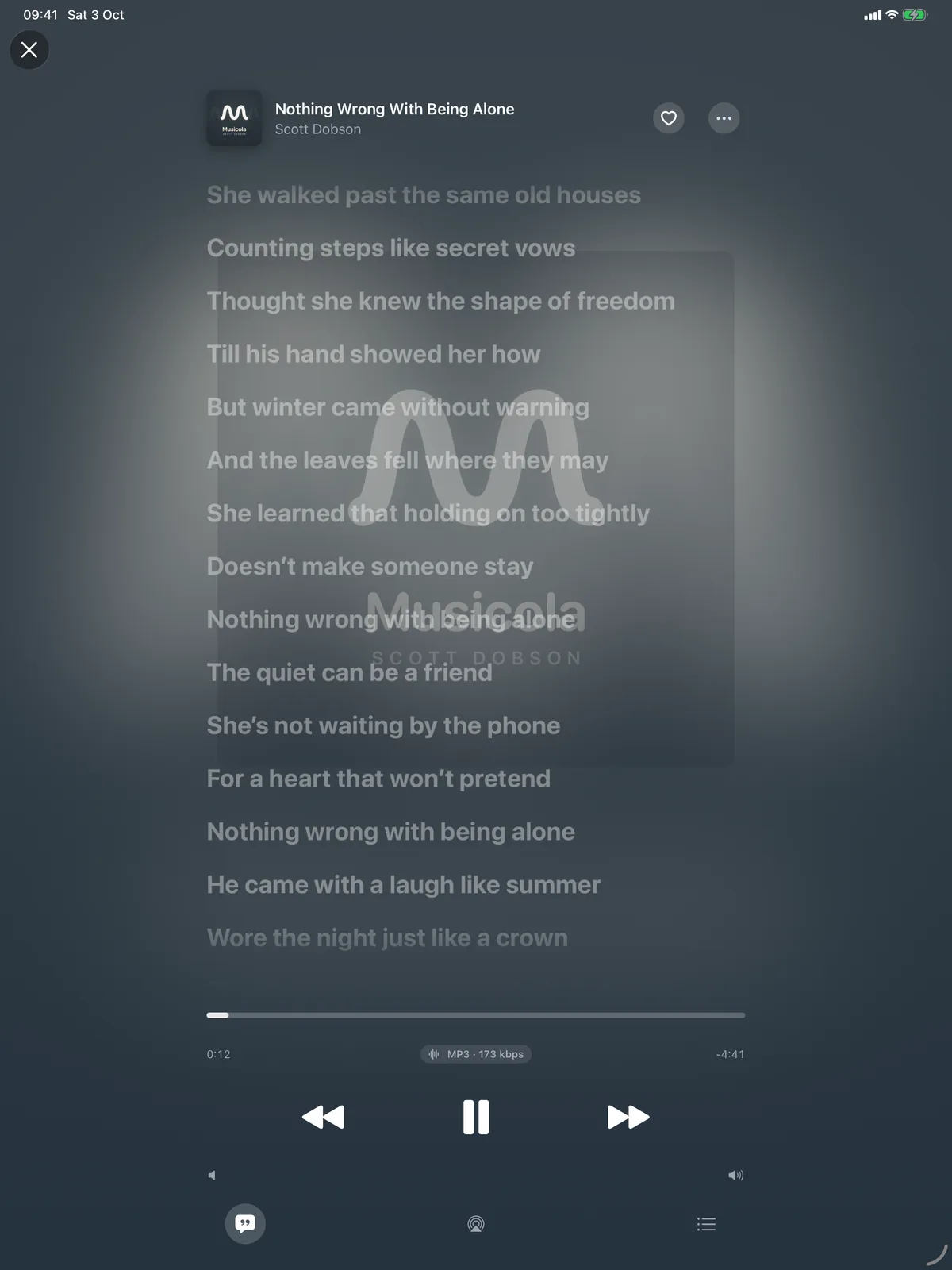
Lyrics that follow along

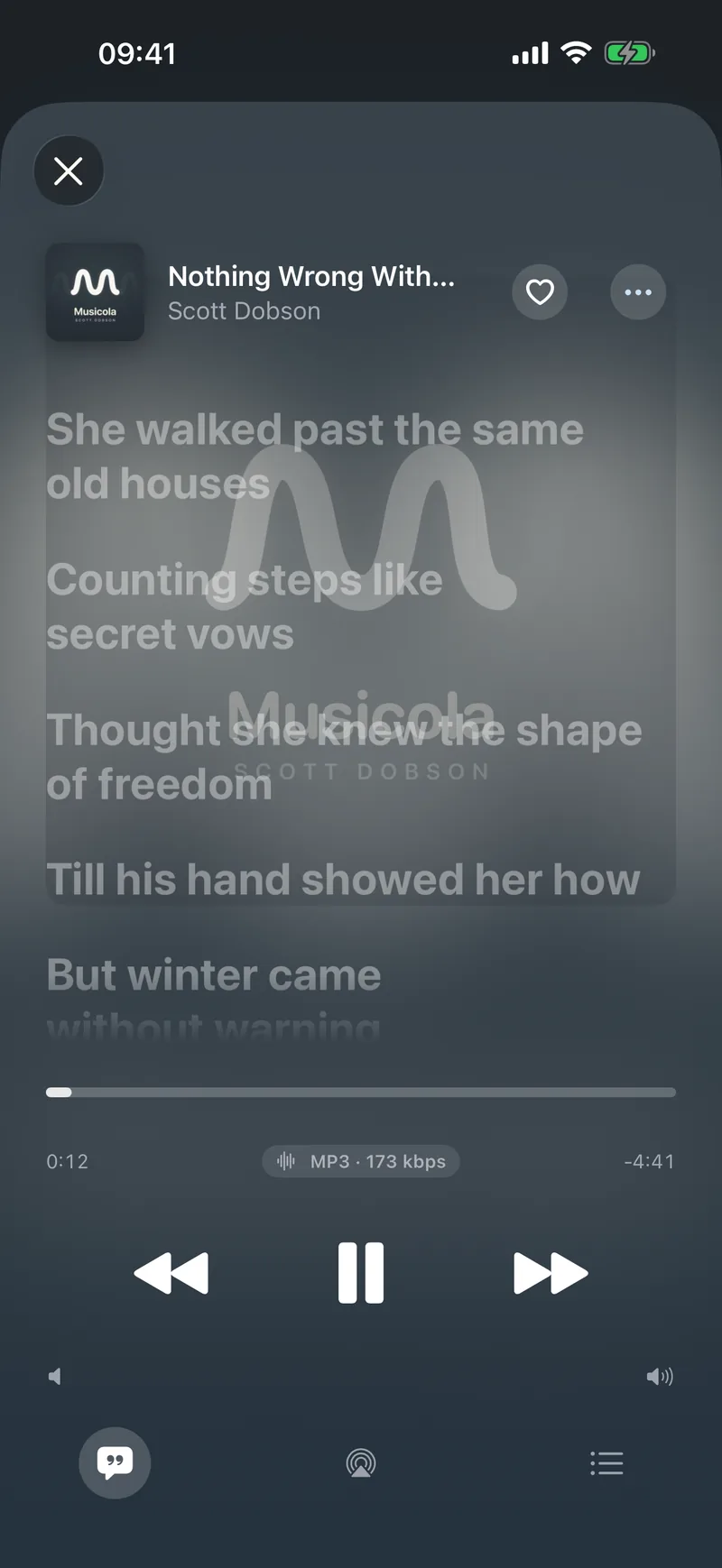
Synced lyrics light up line by line. Tap a line to jump there.

Radio that never ends

Start radio from an album or artist, and from songs when your server finds similar ones. Autoplay keeps the music going.

Artists in full

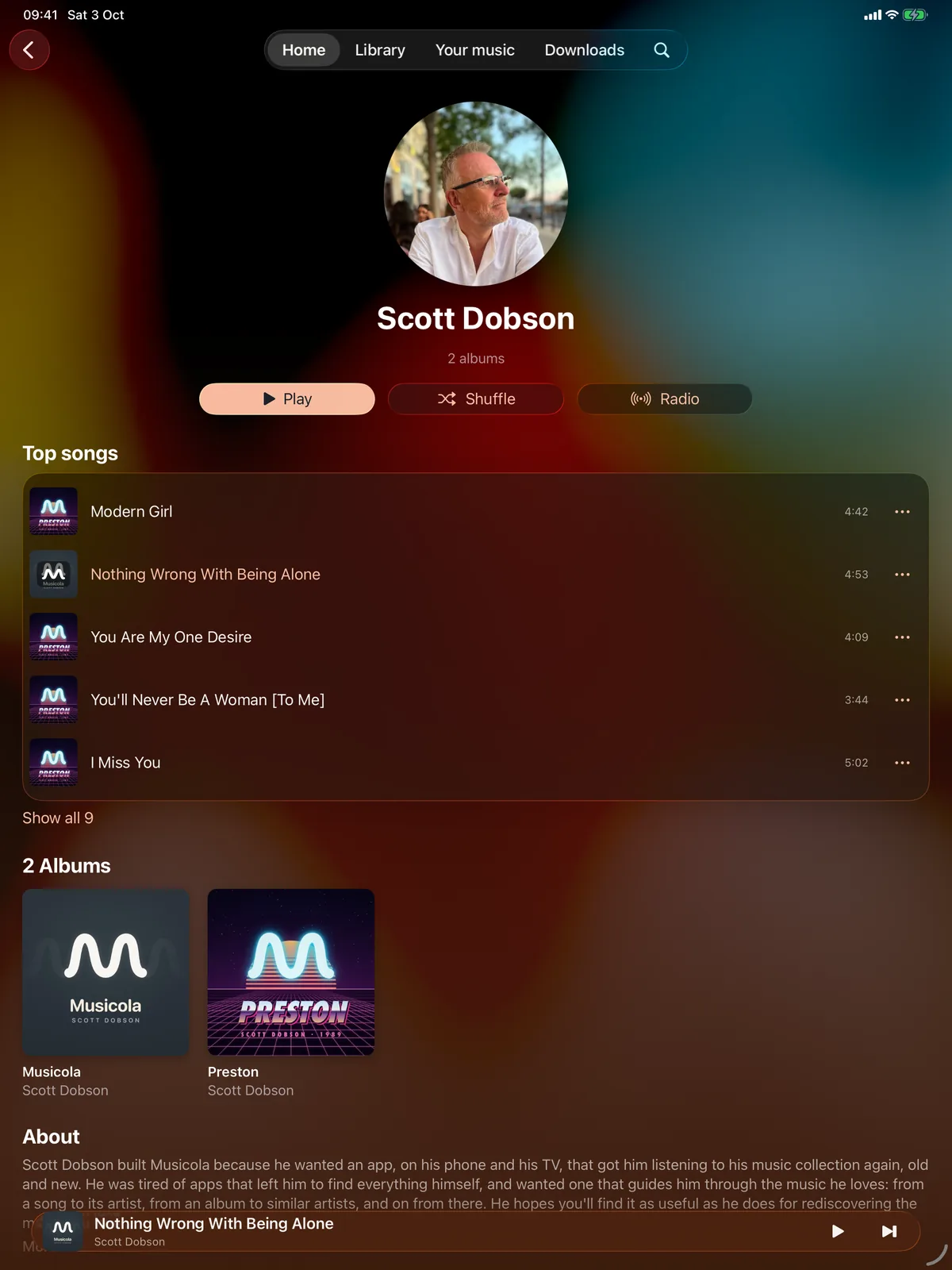
Every album, plus biographies, top songs and similar artists when your server or Last.fm has them.

Apple TV, properly

Big artwork that lifts under the Siri Remote, and what’s playing on the Top Shelf.

Made for iPad

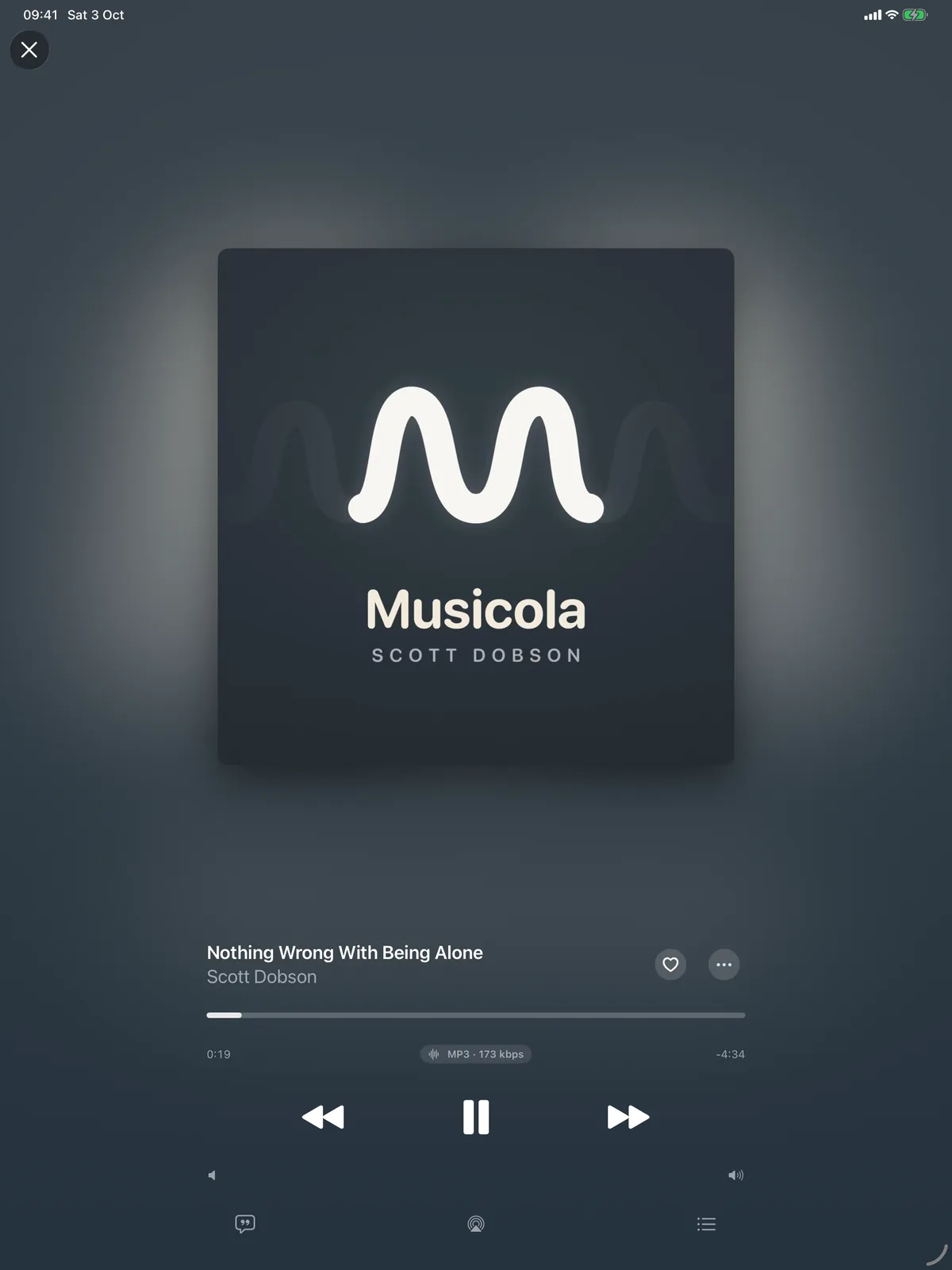
Bigger layouts, with the cover beside the controls in landscape.

Everywhere on your iPhone

Musicola reaches beyond the app.

  • Widgets
  • Lock Screen
  • Control Centre
  • Siri and Shortcuts
  • AirPlay
  • CarPlay

Your music stays yours

No tracking, no ads, no analytics. Your plays, favourites and playlists live on your own server.

Read the privacy policy
See it up close

iPhone

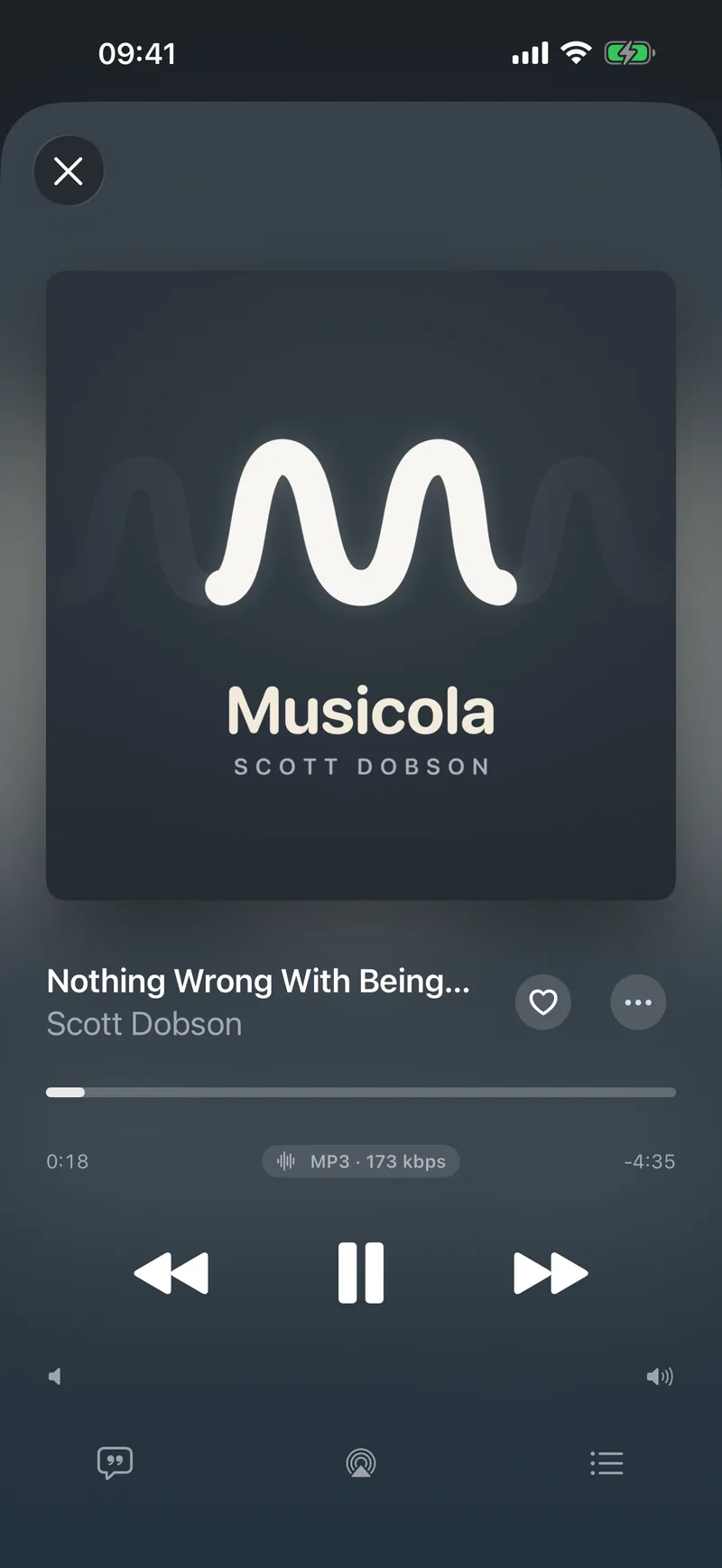
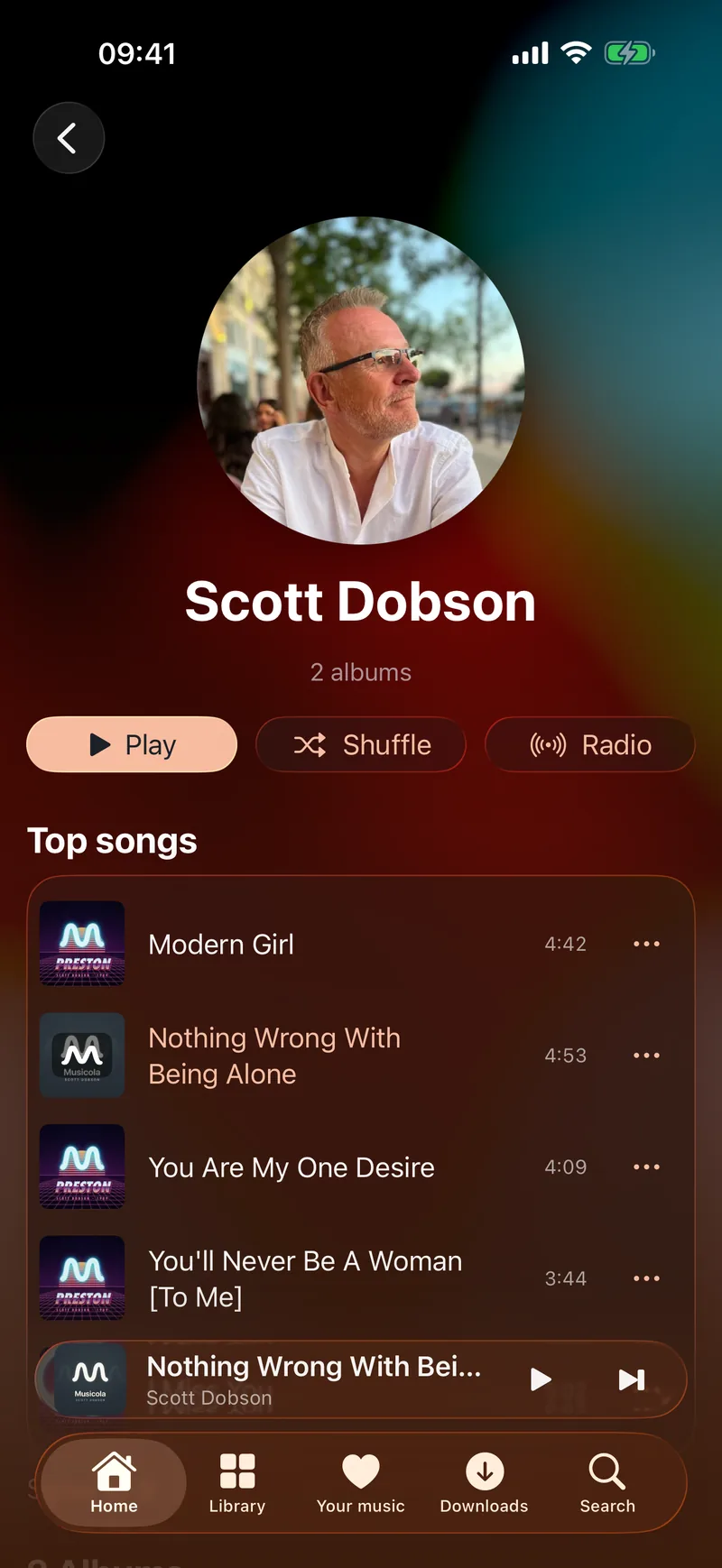
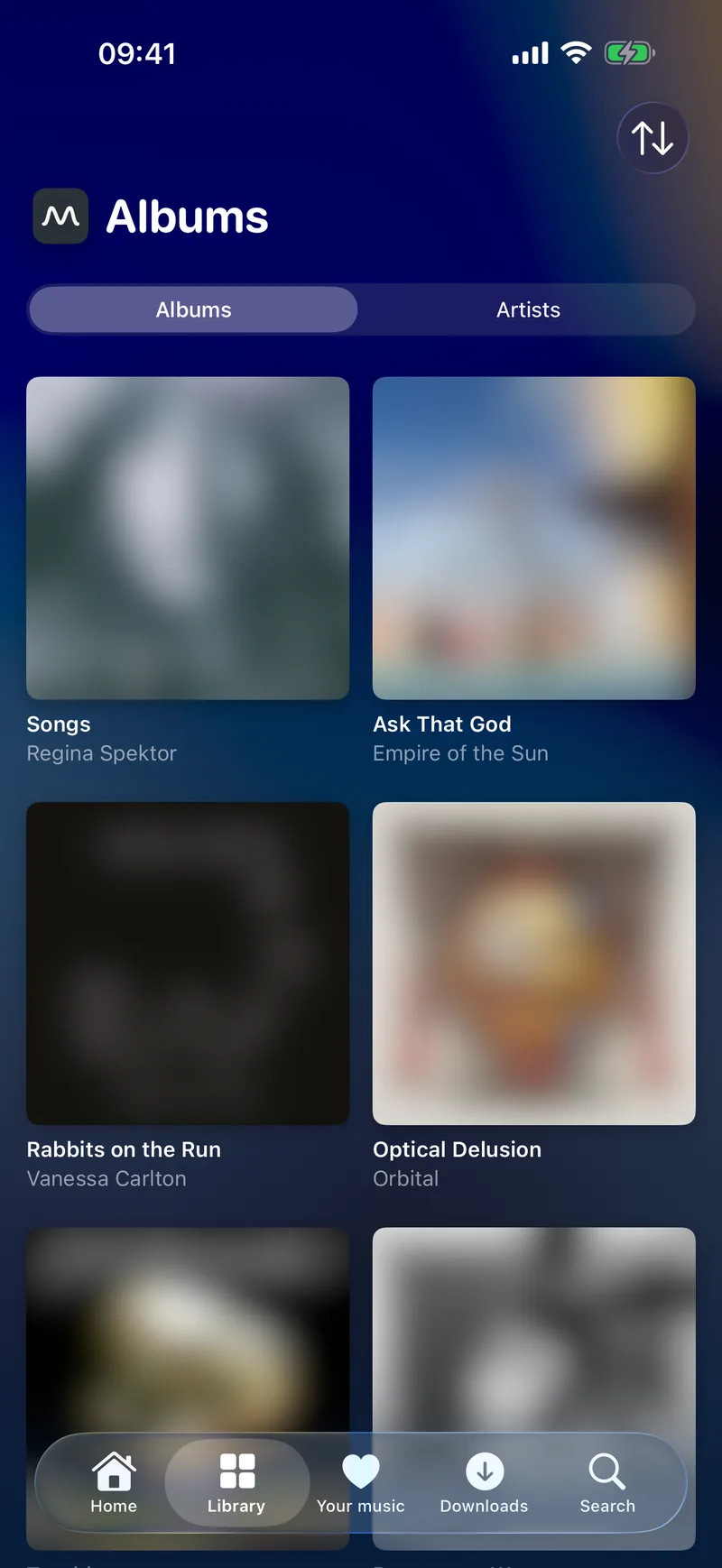
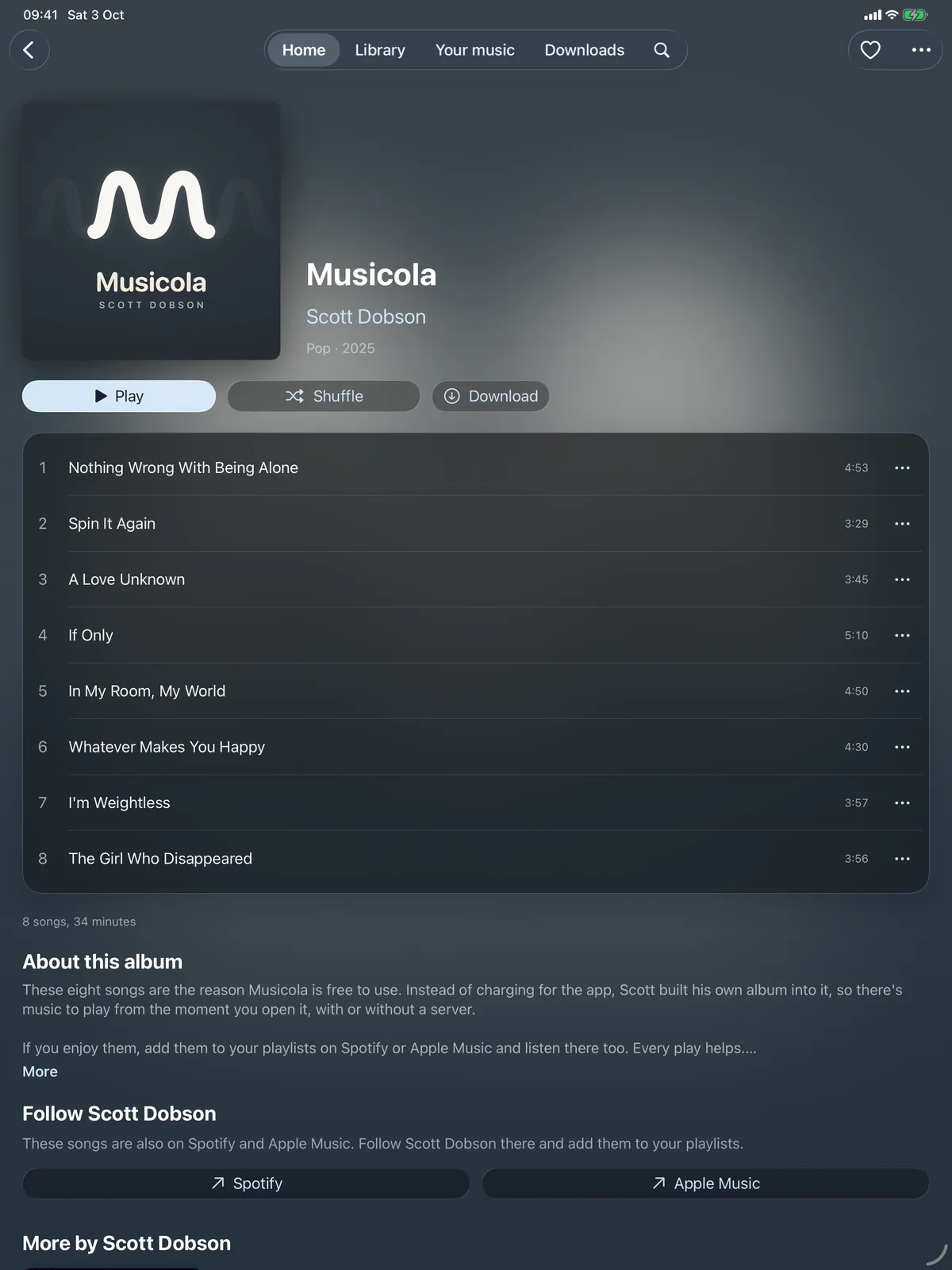
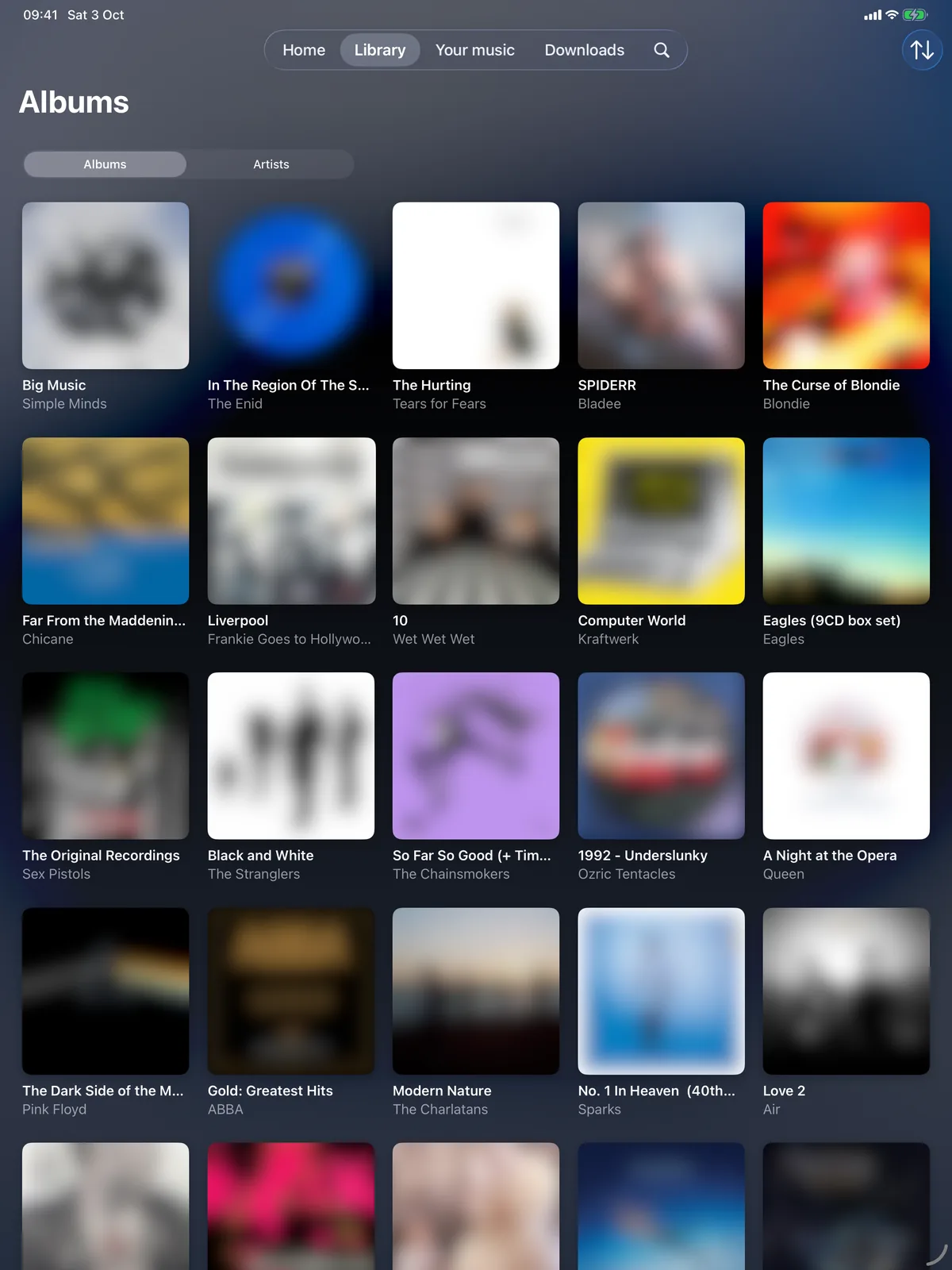
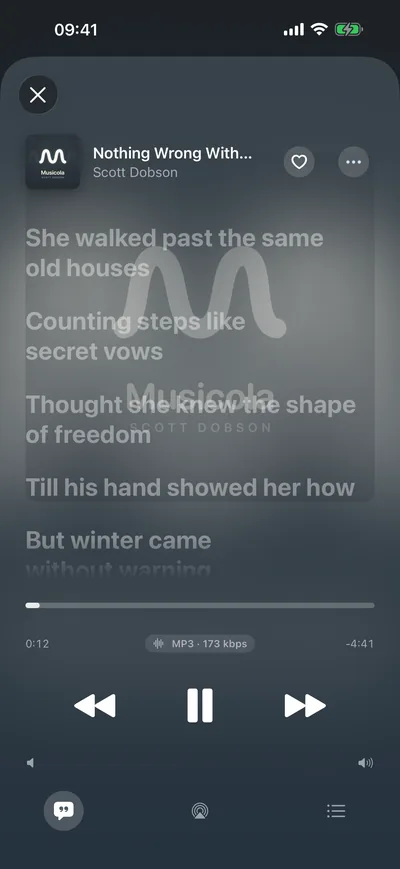
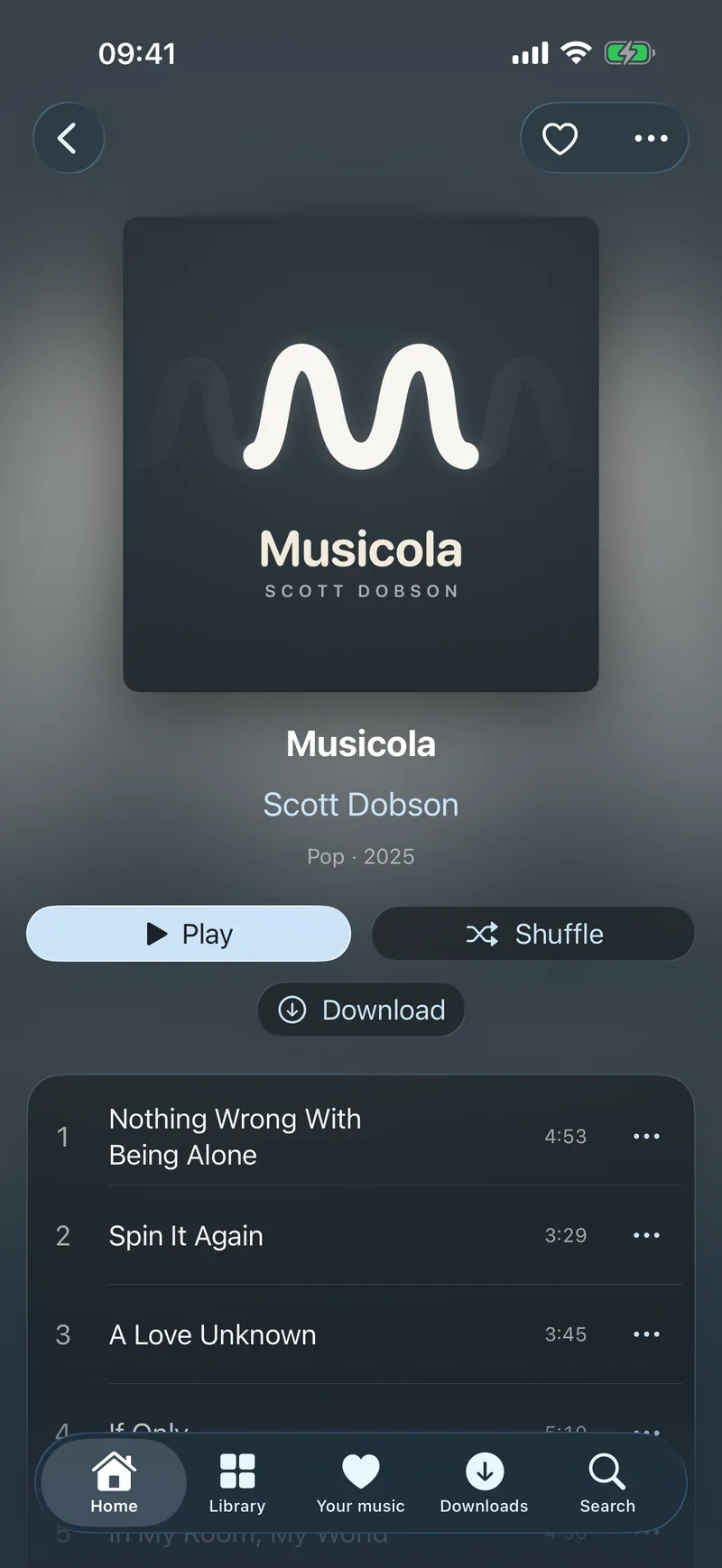
iPhone Home: library radio, genre mixes, Make a mix and recently played albums iPhone album page for Musicola by Scott Dobson, with Play, Shuffle and the track list iPhone synced lyrics, with the current line highlighted iPhone Now playing with the album cover and play controls iPhone artist page for Scott Dobson with Play, Shuffle, Radio and top songs iPhone library with album covers in a grid

iPad

iPad Home with radio, mixes and rows of album covers iPad album page with the cover, track list and notes about the album iPad synced lyrics with the current line highlighted iPad Now playing with the album cover and play controls iPad artist page with a biography, top songs and albums iPad library with album covers in a grid

Apple TV

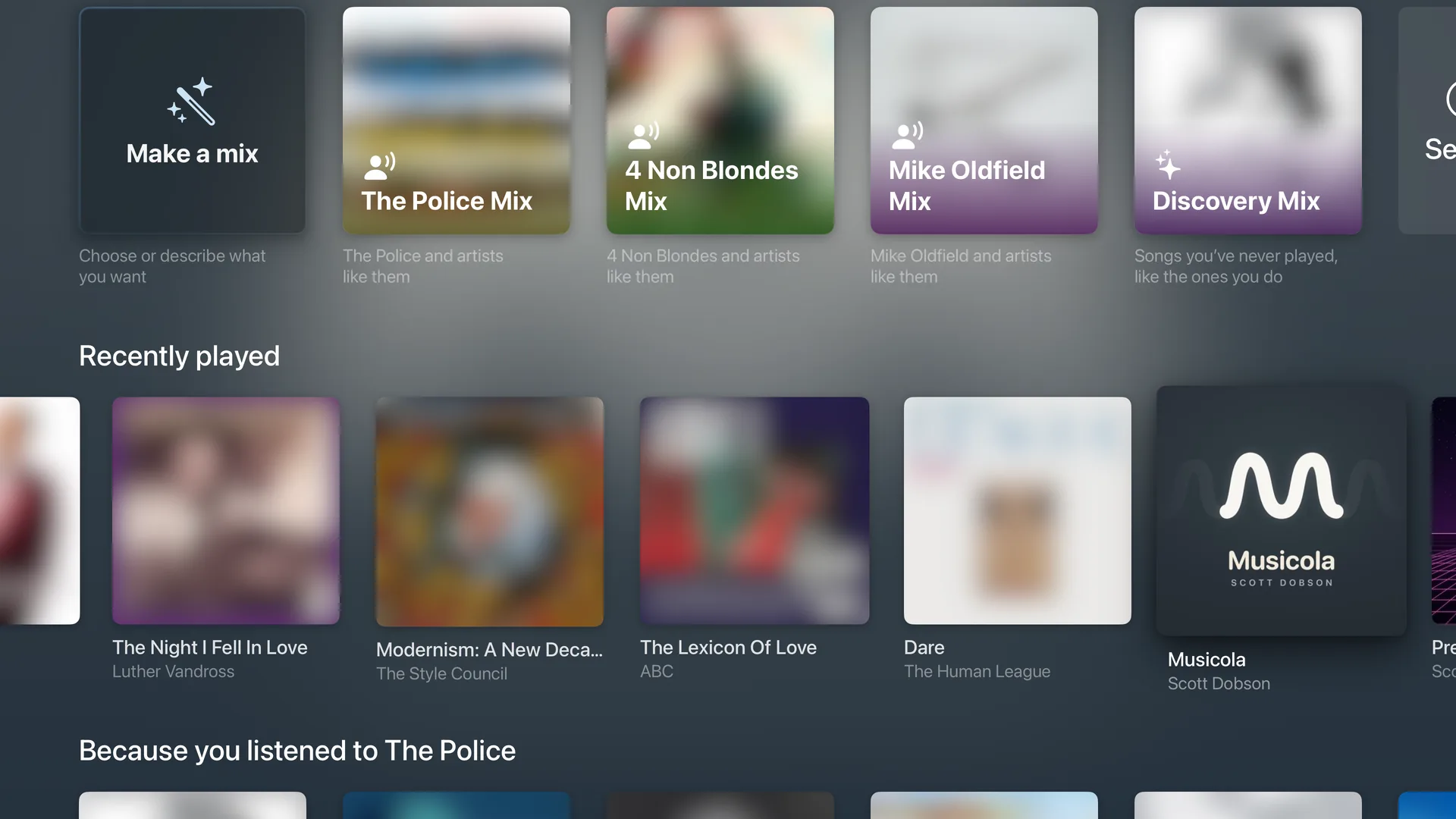
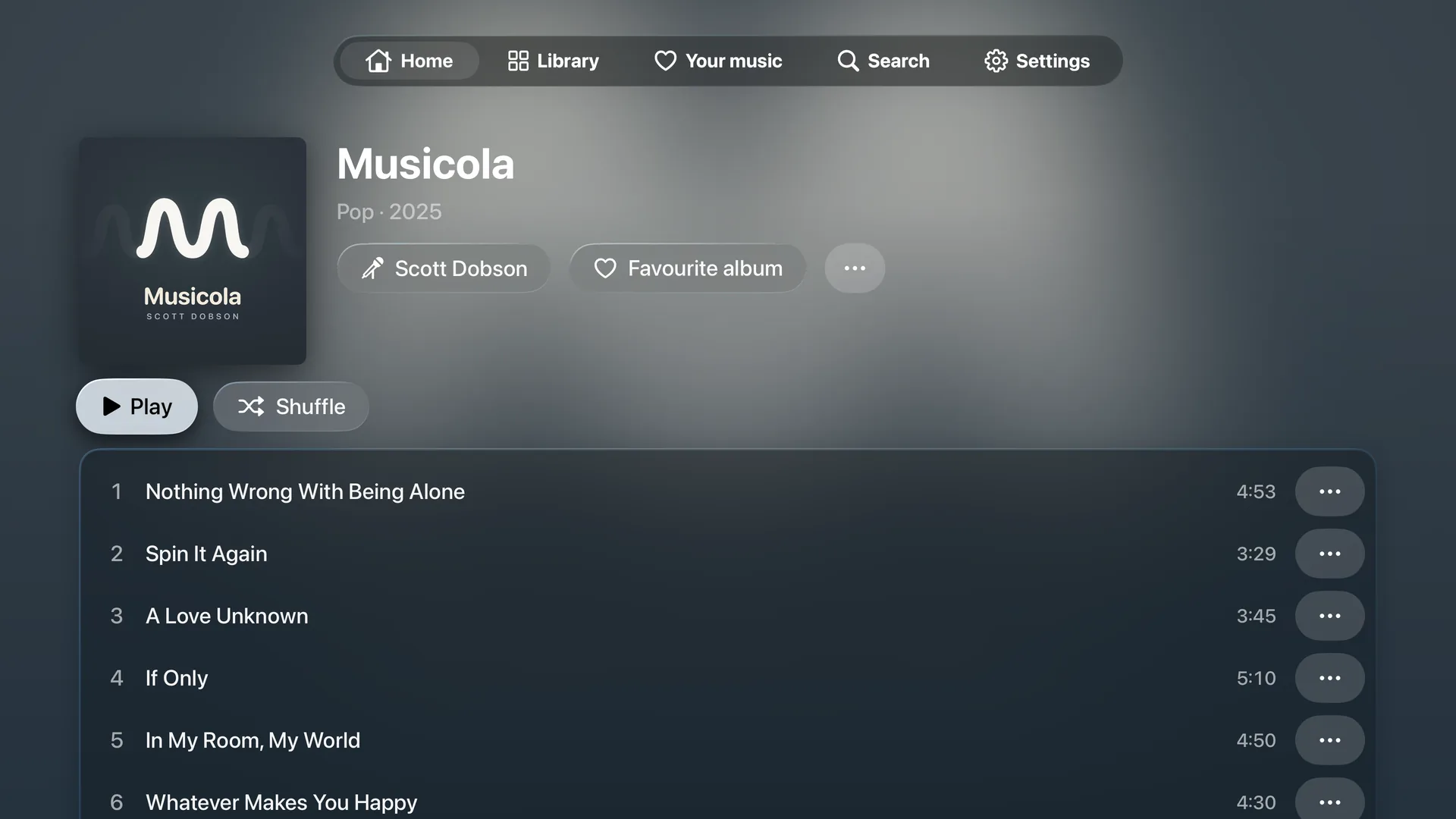
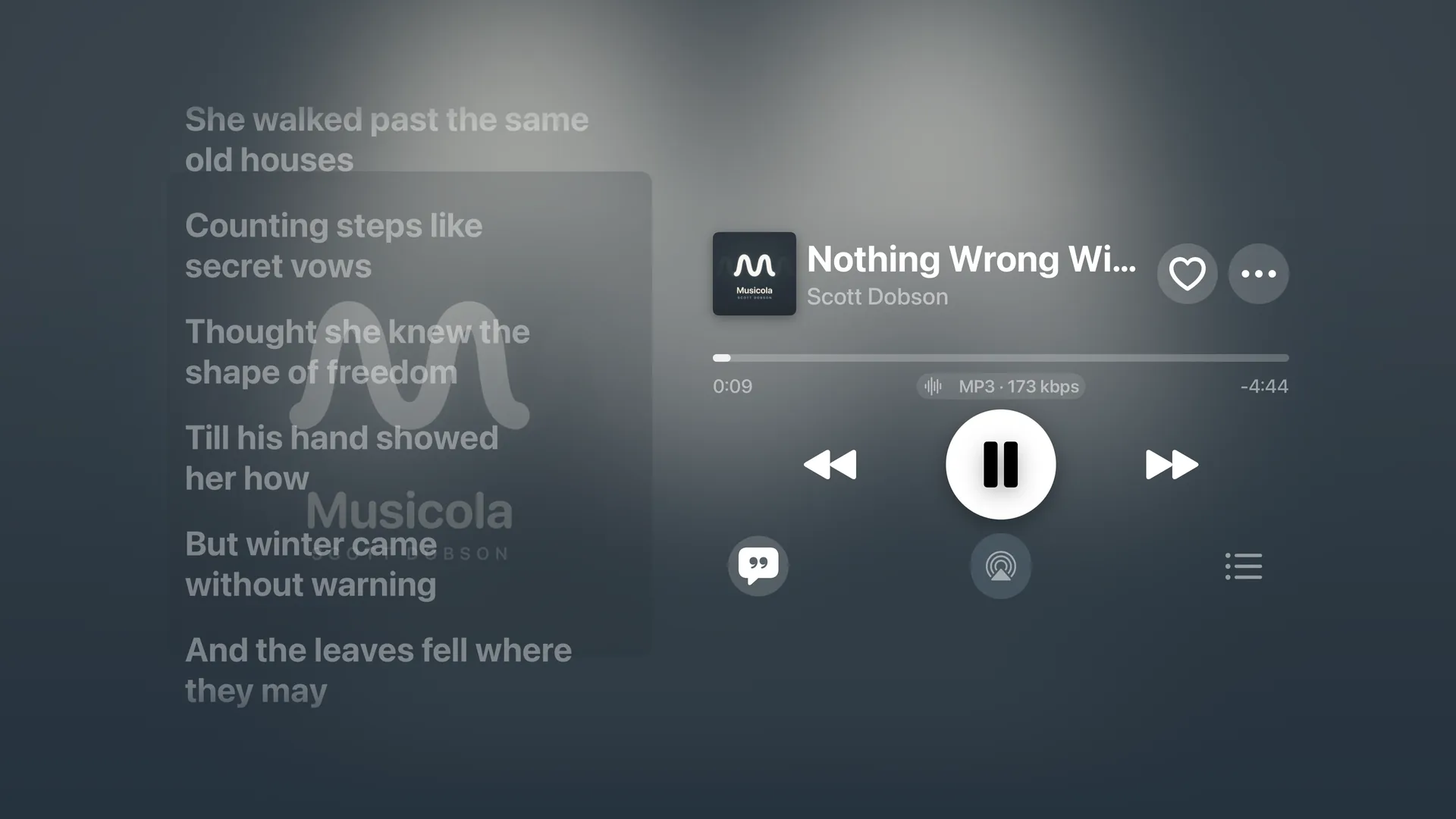
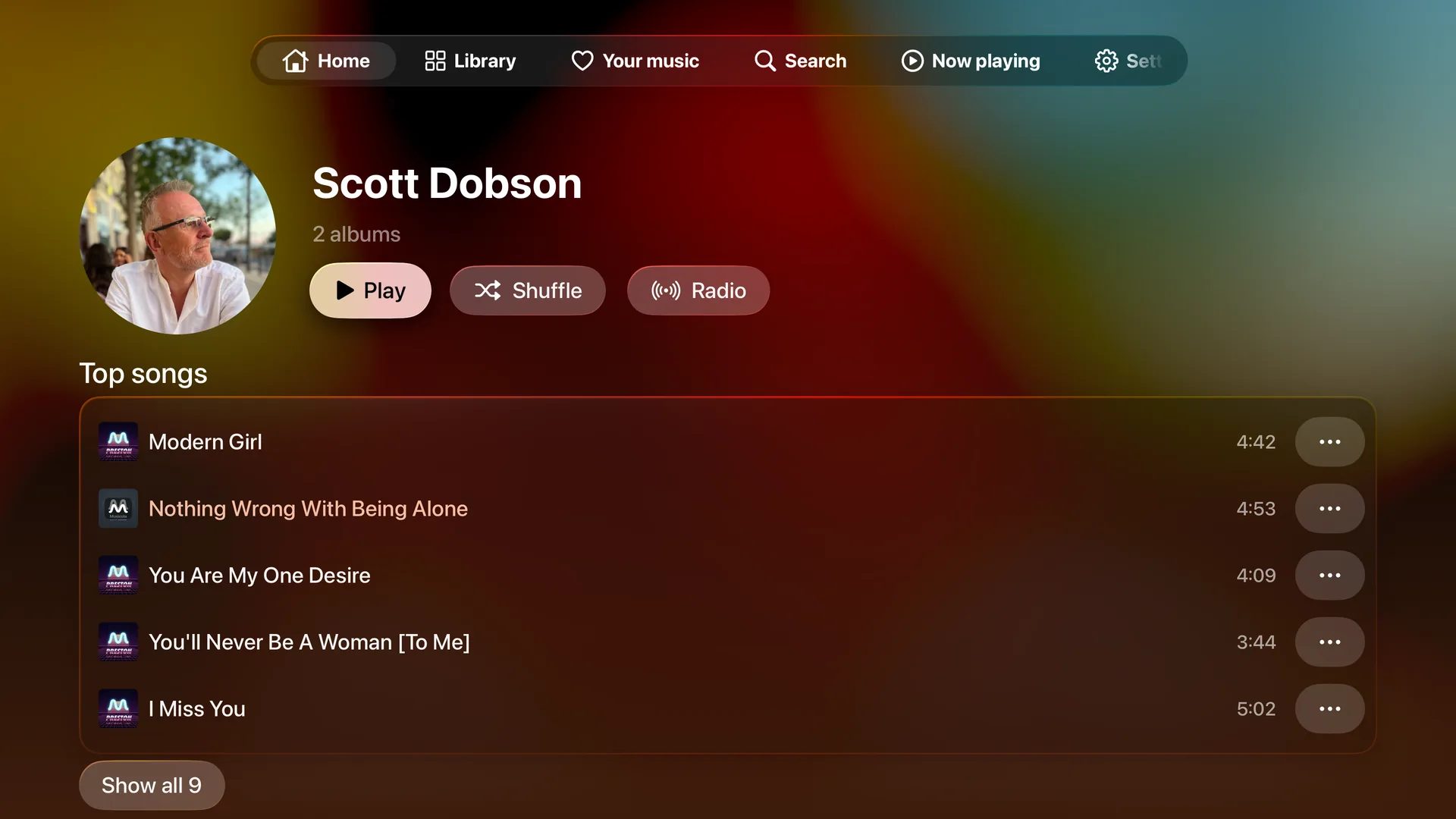
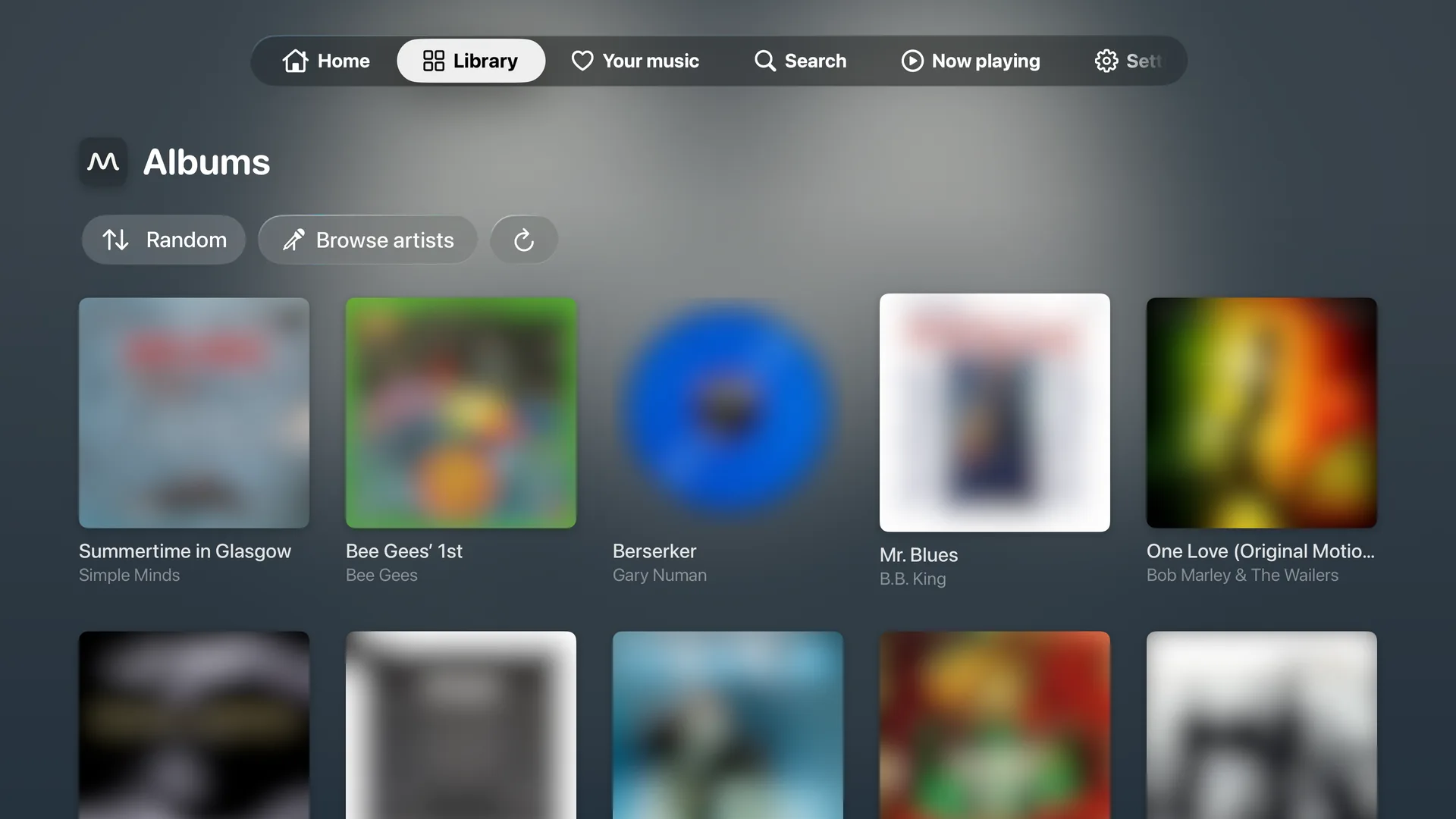
Apple TV Home with library radio and genre mixes Apple TV row of recently played albums, one cover lifted by focus Apple TV album page with Play, Shuffle and the track list Apple TV Now playing with synced lyrics beside the play controls Apple TV artist page for Scott Dobson with top songs and albums Apple TV library with a row of album covers

Screenshots show Scott’s own Navidrome library, with other artists’ covers blurred. In the app, your library looks like yours.

Up and playing in a minute

Musicola connects straight to your server. There’s no account to create and nothing in between.

  1. 1Get MusicolaFree on the App Store for iPhone, iPad, Mac and Apple TV.Download on the App Store
  2. 2Run NavidromeAt home or online, with your music on it. Musicola 1.0 works with Navidrome.
  3. 3Type its address and sign inJust the address, like music.example.com, or 192.168.1.20:4533 at home. Then your Navidrome username and password.
  4. 4Press playHome fills with your albums, artists, radio and mixes.
  • Works nowNavidromeYour library, playlists, favourites and plays, all from your server.
  • Coming soonPlex and other Subsonic serversOne app, whichever server you run.
  • No server neededLook around firstApple Music’s charts as 30-second previews, plus an album that comes with the app.

Help with addresses, tags, covers and lyrics

Free, with Musicola Plus if you want more

Free for everyone: browsing, search, High quality and Data saver streaming, playlists, favourites, radio, autoplay, crossfade, lyrics, the queue, AirPlay, CarPlay, Siri, widgets, Made for you, the sleep timer and the Musicola album. Musicola Plus adds more for a one-off price, and however you buy it you never pay more than €2.99 in total.

Musicola Plus

Tier 1

€0.99one-off

Upgrade later without paying twice.

Only using Apple TV? Don’t buy Tier 1. It adds downloads, and Apple TV doesn’t support them, so it gives you nothing there.

  • Download albums, playlists and mixes to your iPhone, iPad or Mac and play them with no connection.
  • Not included: The Mix Builder
  • Not included: Musicola DJ
  • Not included: Pick up on another device
  • Not included: Lossless streaming and downloads
  • Not included: Listening Stats

Musicola Plus

Tier 2

€1.99one-off

Already on Tier 1? Upgrade for €0.99.

  • The Mix Builder: build and save your own mixes by genre, decade and artist (Made for you stays free)
  • Not included: Musicola DJ
  • Not included: Pick up on another device
  • Not included: Lossless streaming and downloads
  • Not included: Listening Stats

Musicola Plus

Tier 3

€2.99one-off

Upgrade from Tier 1 for €1.99, or from Tier 2 for €0.99.

  • Musicola DJ: an endless station from your library with Emma, a radio host who talks over the start of songs, her voice made on your device (iOS, iPadOS and tvOS 26)
  • Pick up on another device where you left off
  • Lossless streaming and downloads
  • Listening Stats: your top artists, albums and songs by week, month, year or all time, the same on all your devices

One-off purchases, never a subscription, and shared with Family Sharing. Tier 3 is everything; upgrades are offered only to someone who owns a lower tier, so the total never passes the Tier 3 price. Prices in euros, including VAT; the App Store shows the price in your own currency.
Scott Dobson, who made Musicola and the album that comes with it

Scott Dobson

Made Musicola, and the album inside it

The cover of Musicola, Scott Dobson’s album
MusicolaScott Dobson · 8 songs · comes with the app

Musicola is free because Scott built his own album into it: Musicola, eight songs he wrote and performed, so there’s music to play from the moment you open the app, with or without a server.

He has been making music for more than 40 years, and made Musicola to get himself listening to his own collection again. If you enjoy the songs, add them to your playlists.